AWS provides 1 year free usage for new users for learning purposes. You can utilize AWS for learning purposes.
Follow the following steps:
AI-generated summary · May not capture all nuances
"AWS offers a 1-year free tier for new users to learn and explore its services."
— How to create AWS free tier account
AWS provides 1 year free usage for new users for learning purposes. You can utilize AWS for learning purposes.
Follow the following steps:
🛒 You'll Need This
Products related to this article
Bru
Bru Gold|Premium Freeze Dried Coffee|Experience Intense Coffee Taste|Aromatic Instant Coffee|200 Grams,Granule,Bag

Sunrise Pure
Sunrise Pure, Shahi Garam Masala Powder - 50 grams (Pouch)
Prabhuji
Prabhuji Epiken Pure Food Bhujia, Potato Namkeen, Crispy indian Snacks, Tea Time Snack Spicy Bhujia Tasty Munchies Party Snack Food- 900 G.
As an Amazon Associate, AskGif earns from qualifying purchases
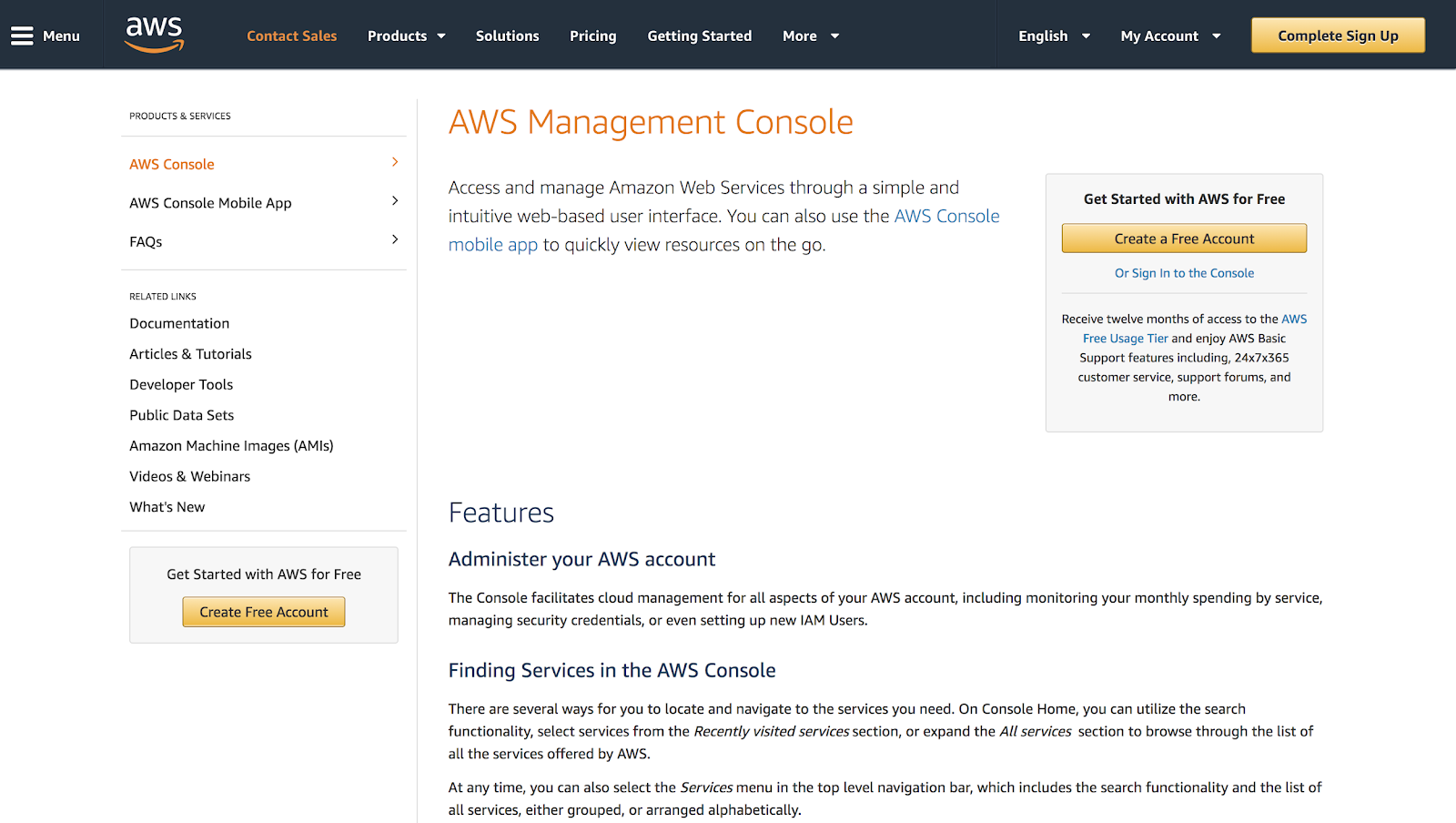
Goto aws console https://aws.amazon.com/console/, Click on Create a free account (see below image for reference).
Create free tier account :
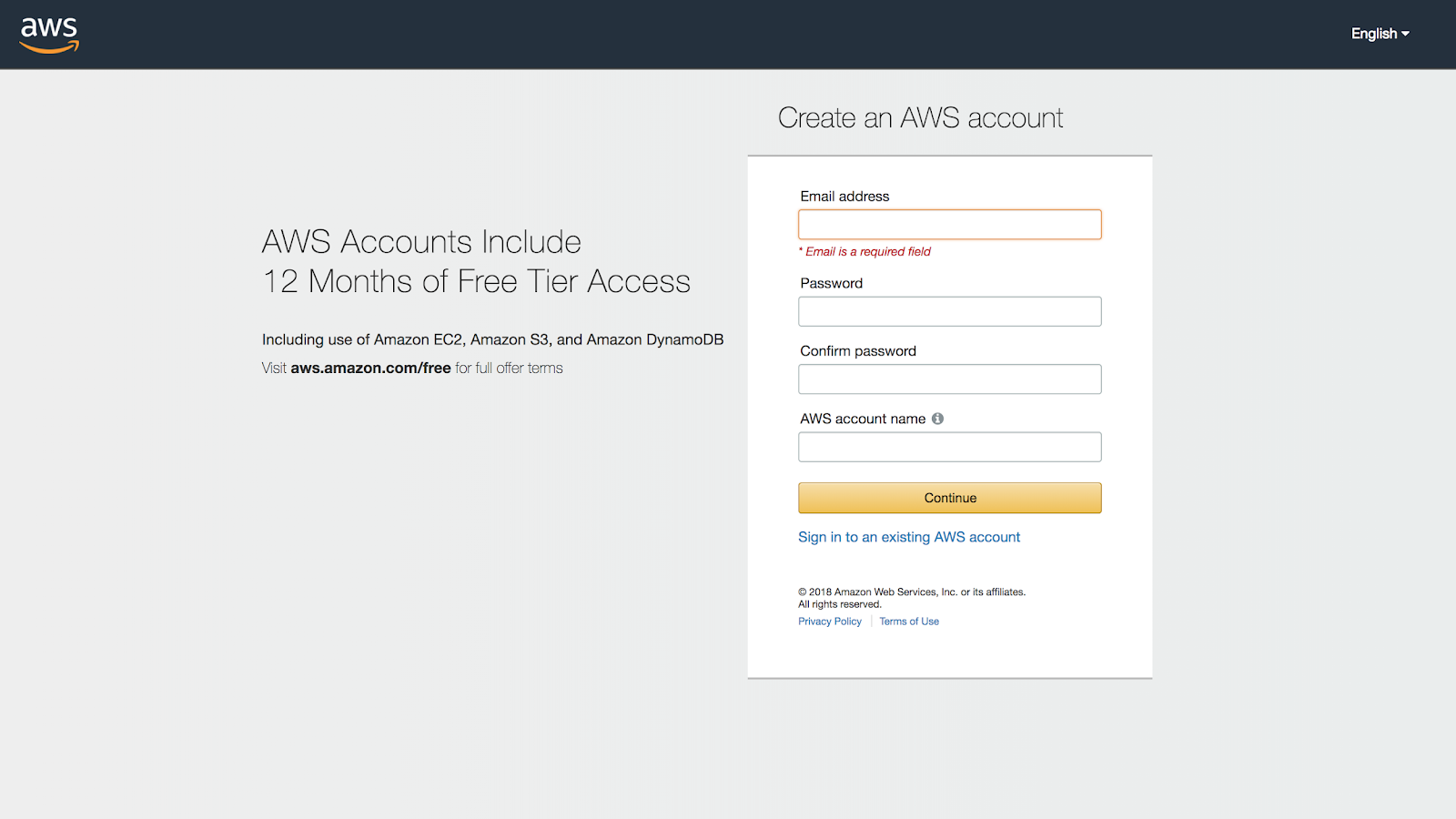
Complete the registration form :
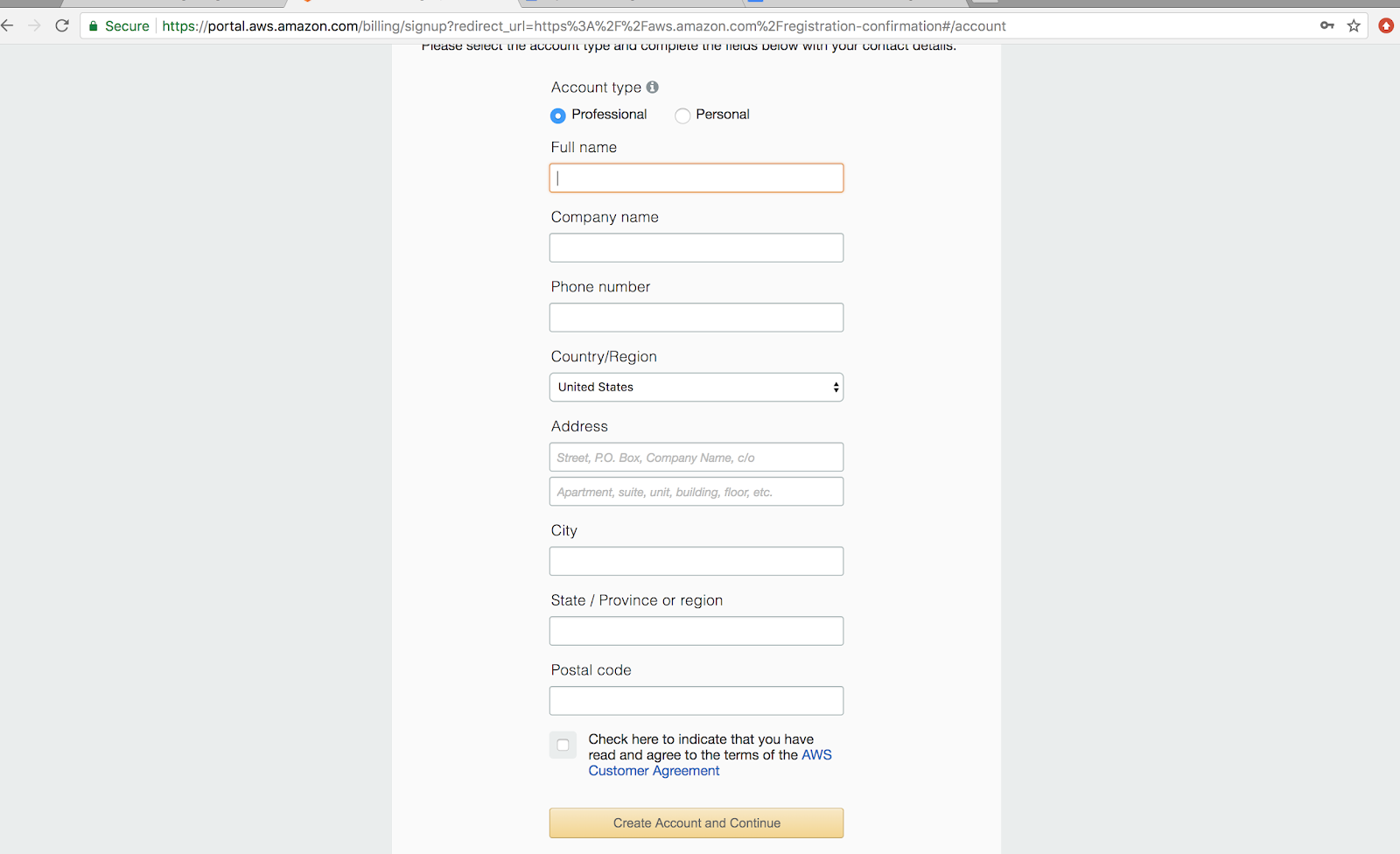
After completing registration you should be able to see the payment page. Don’t panic; they will just deduct Rs 2 initial charge just to check if your card is valid. They will refund the money back in 4-5 days.
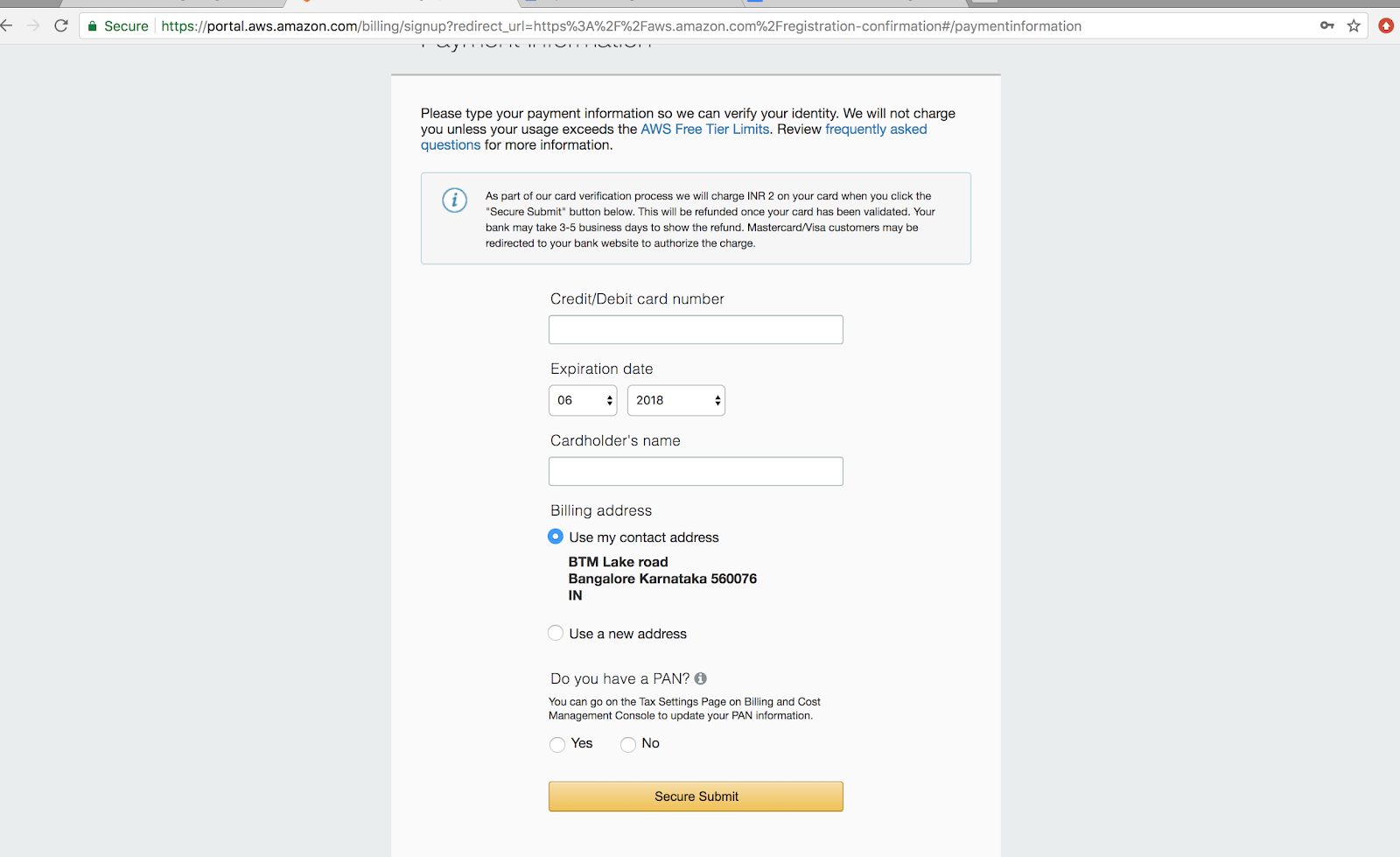
After successful payment, you will be redirected to phone verification. Please provide your phone number to get a call from Amazon for phone verification.
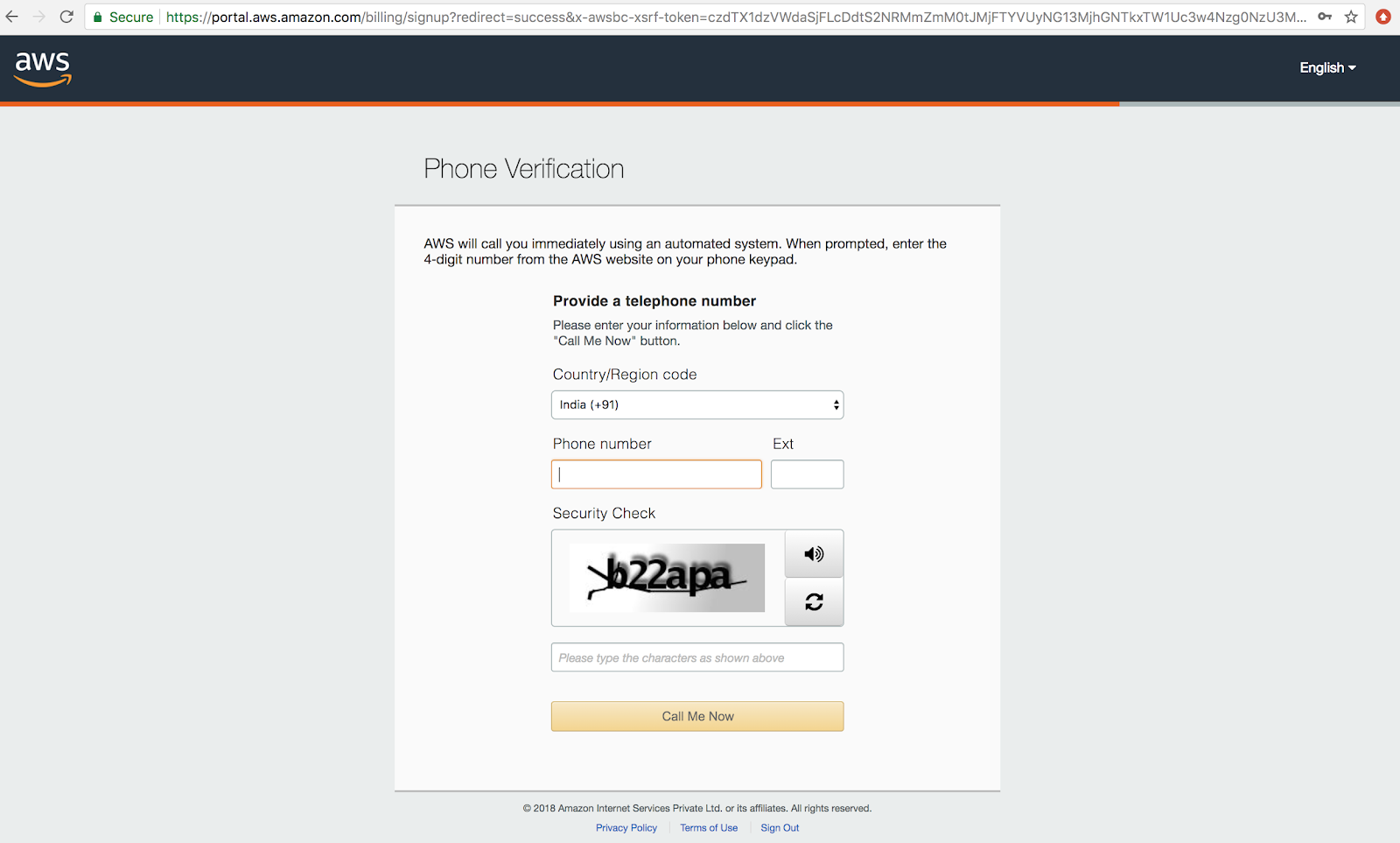
Once you verified the phone number over the call you will see the following confirmation screen.
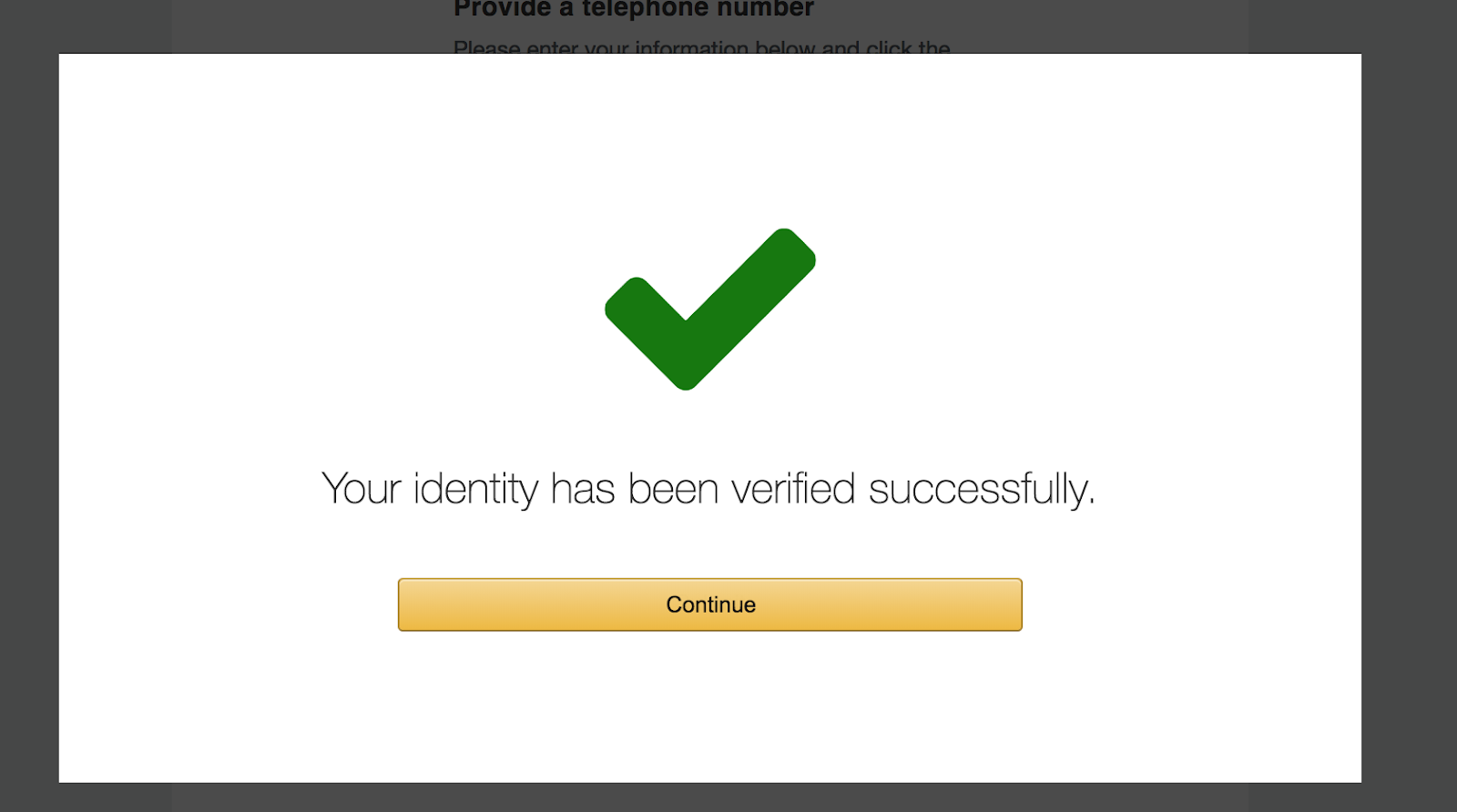
Once Verification is done, you need to select the Plan. Please select the free plan if you want to use the free tier service for 12 months. You need to be careful; not every service is free in the AWS FREE tier.
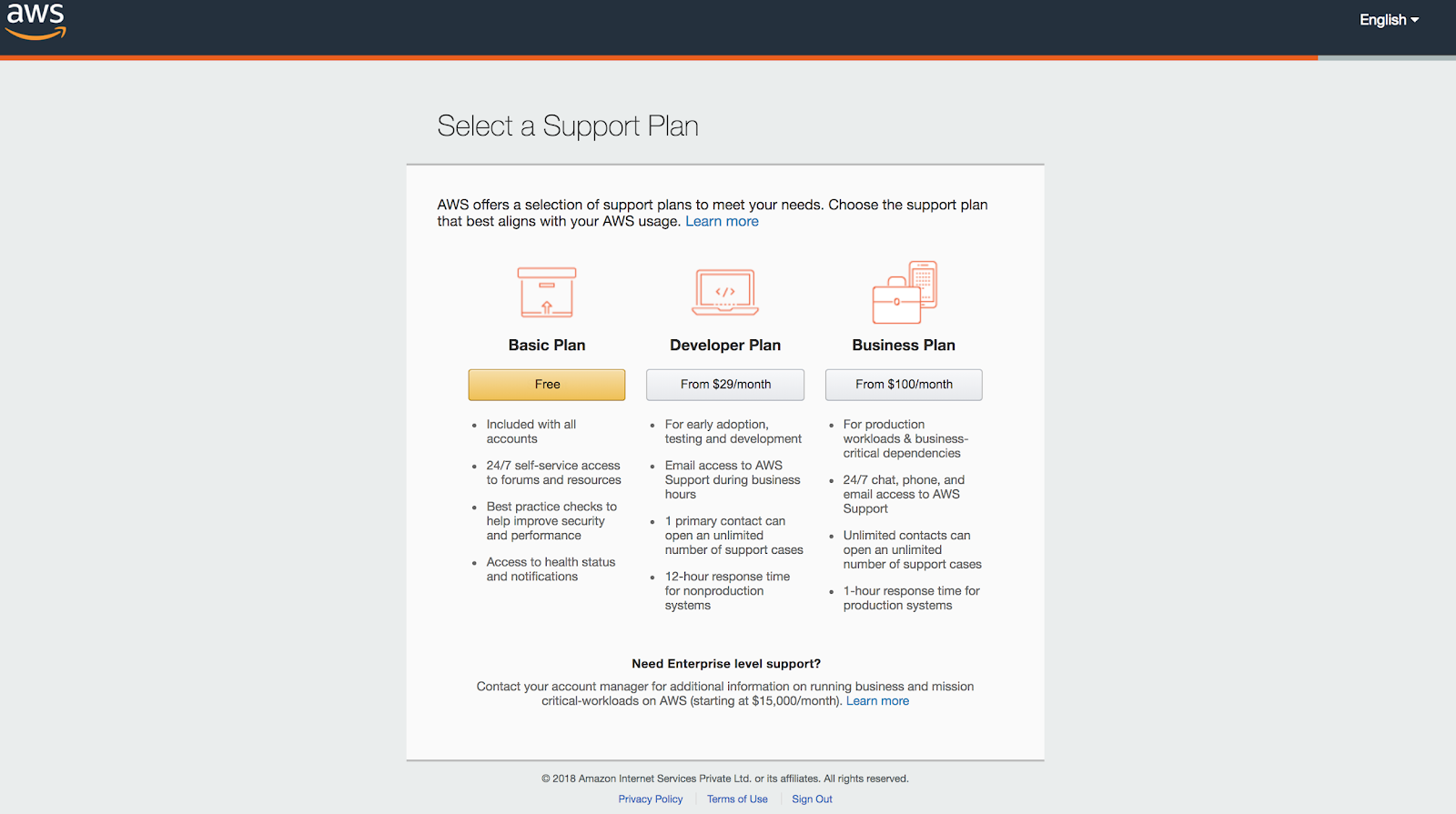
Once you select the free account, you will be able to login to your AWS account using your email and the password you set before.
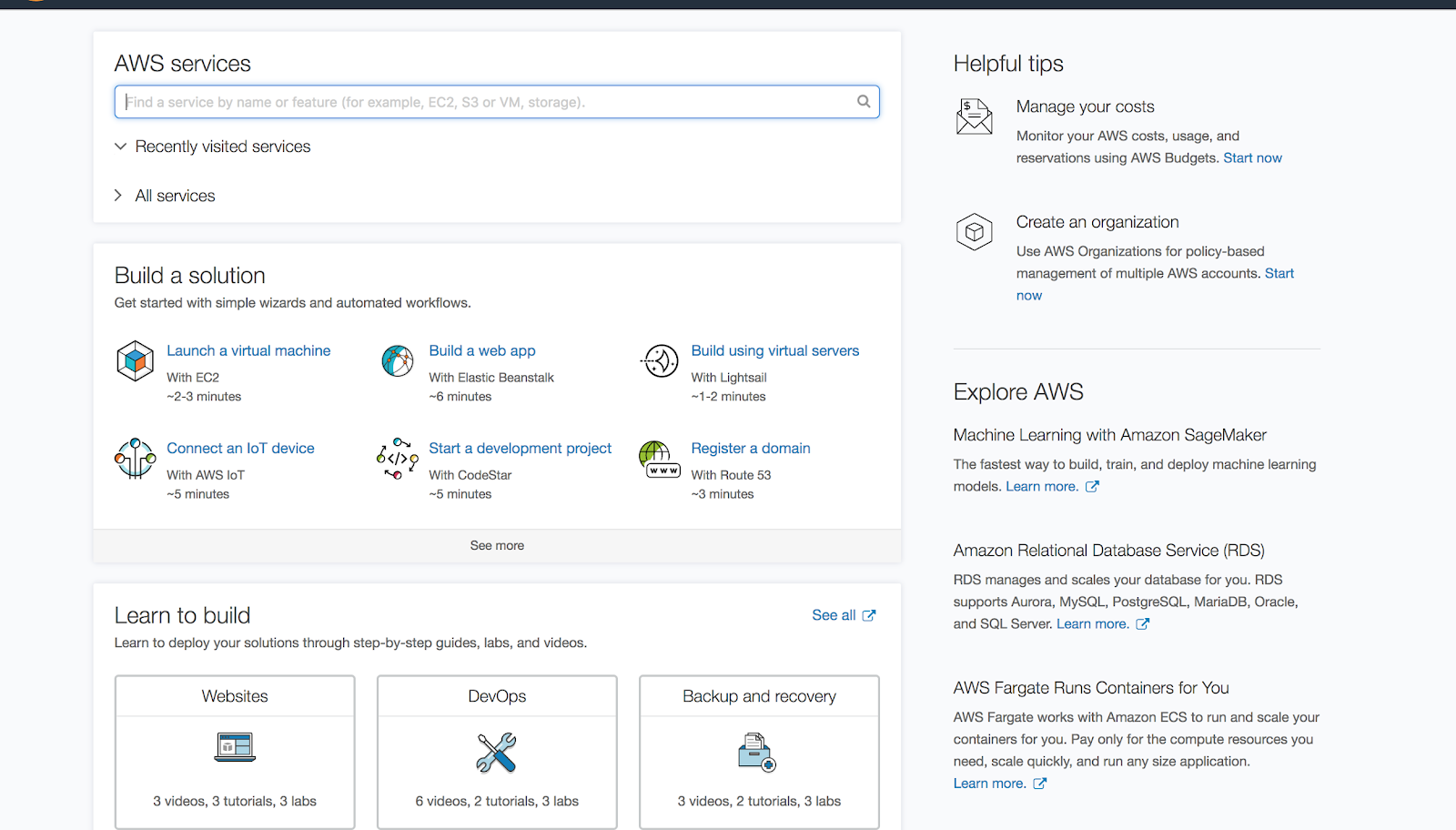
You will be able to see the following screen on successful login to your AWS account.