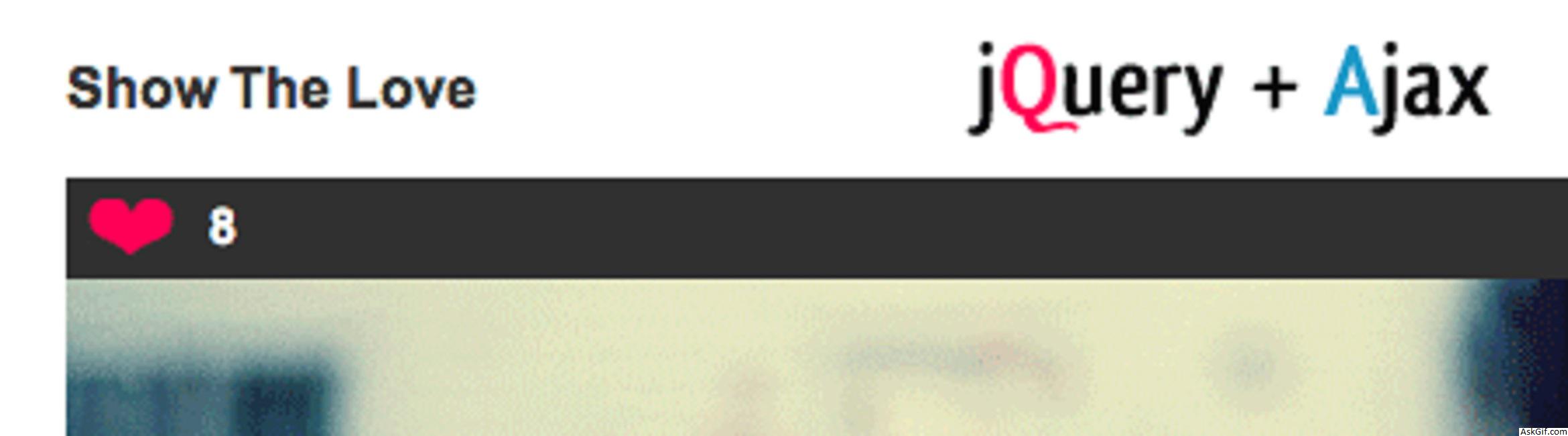
I received a mail from my reader that asked to me how to implement Show the love rating system like amypink.com. So I had designed Favorite Rating with jQuery and Ajax. It's simple just changing little code on my old post Voting system with jQuery, Ajax, and PHP.
Database Design
images table images details
CREATE TABLE images(
img_id INT PRIMARY KEY AUTO_INCREMENT,
img_name VARCHAR(60),
love INT,
image_ip table storing ip-address.
CREATE TABLE image_IP(
ip_id INT PRIMARY KEY AUTO_INCREMENT,
img_id_fk INT,
ip_add VARCHAR(40),
FOREIGN KEY(img_id_fk)
REFERENCES images(img_id));
love.php
Javascript Code
<script type="text/javascript" src="http://ajax.googleapis.com/ajax/
libs/jquery/1.3.0/jquery.min.js"></script>
<script type="text/javascript">
//Image Hover Pink Heart to White Heart
$(document).ready(function()
{
$("span.on_img").mouseover(function ()
{
$(this).addClass("over_img");
});

$("span.on_img").mouseout(function ()
{
$(this).removeClass("over_img");
});
});

//Show The Love
$(function() {
$(".love").click(function()
{
var id = $(this).attr("id");
var dataString = 'id='+ id ;
var parent = $(this);
$(this).fadeOut(300);
$.ajax({
type: "POST",
url: "ajax_love.php",
data: dataString,
cache: false,
success: function(html)
{
parent.html(html);
parent.fadeIn(300);
}
});
return false;
});
});

</script>
HTML and PHP code. To display records form the images table.
<?php
include('config.php');
$sql=mysql_query("select * from images");
while($row=mysql_fetch_array($sql))
{
$img_id=$row['img_id'];
$img_url=$row['img_url'];
$love=$row['love'];
?>
<div>
<div class="box" align="left">
<a href="#" class="love" id="<?php echo $img_id; ?>">
<span class="on_img" align="left"> <?php echo $love; ?> </span>
</a>
</div>
<img src='<?php echo $img_url; ?>' />
</div>
<?php
}
?>
ajax_love.php
Contains PHP code.
<?php
include("config.php");
$ip=$_SERVER['REMOTE_ADDR'];//client ip address
if($_POST['id'])
{
$id=$_POST['id'];
//IP-address verification
$ip_sql=mysql_query("select ip_add from image_IP where img_id_fk='$id' and ip_add='$ip'");
$count=mysql_num_rows($ip_sql);
if($count==0)
{
// Updateing Love Value
$sql = "update images set love=love+1 where img_id='$id'";
mysql_query( $sql);
// Inserting Client IP-address
$sql_in = "insert into image_IP (ip_add,img_id_fk) values ('$ip','$id')";
mysql_query( $sql_in);

$result=mysql_query("select love from images where img_id='$id'");
$row=mysql_fetch_array($result);
$love=$row['love'];

?>
 //Display Updated Love Value
<span class="on_img" align="left"><?php echo $love; ?></span>
<?php
}
else
{
// Already Loved
echo 'NO !';
}
}
?>
CSS Code
.box
{
background-color:#303030; padding:6px;
height:17px;
}
.on_img
{
background-image:url(on.gif);
background-repeat:no-repeat;
padding-left:35px;
cursor:pointer;
width:60px;
}
.over_img
{
background-image:url(over.gif);
background-repeat:no-repeat;
padding-left:35px;
cursor:pointer;
width:60px;
}





