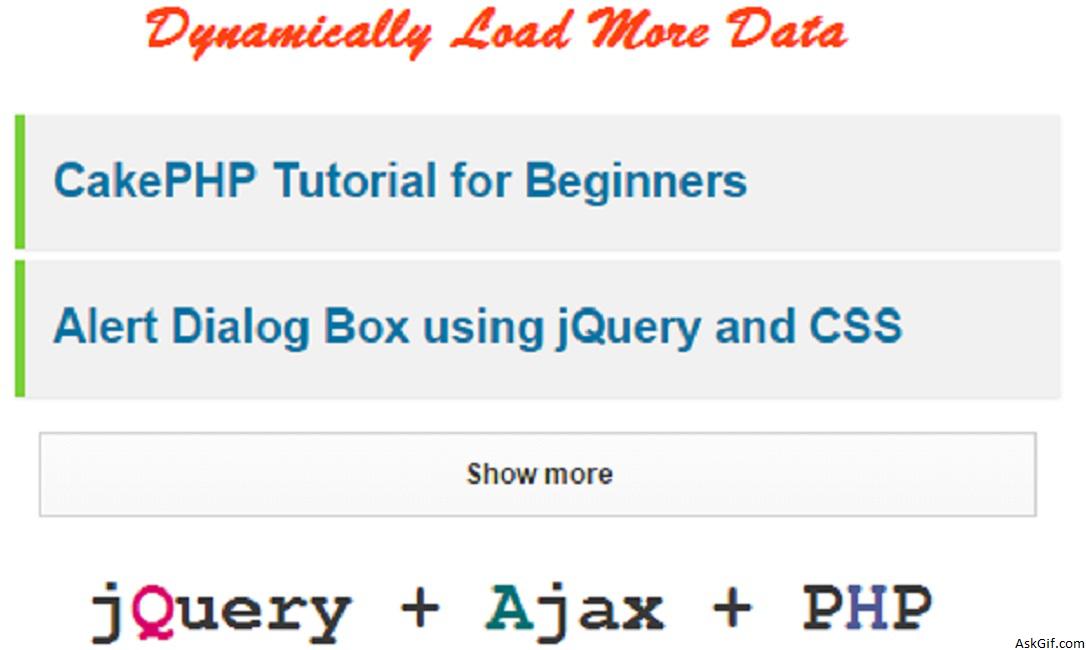
Twitter and Facebook using a very nice technique for loading more tweets and updates, when you click the more button old tweets display on the screen. Long days back I had posted an article same like this but I did some mistakes. So in this tutorial, I had coded a very simple and understanding way.
First, create a database table
CREATE TABLE messages(
msg_id INT AUTO_INCREMENT PRIMARY KEY,
message TEXT
);
javascript Code
Contains javascipt code. $('.more').live("click",function(){} - more is the class name of anchor more button. Using $(this).attr("id") calling more button last message id field value.
<script type="text/javascript" src="http://ajax.googleapis.com/ajax/
libs/jquery/1.3.0/jquery.min.js"></script>
<script type="text/javascript">
$(function()
{
$('.more').live("click",function()
{
var ID = $(this).attr("id");
if(ID)
{
$("#more"+ID).html('<img src="moreajax.gif" />');

$.ajax({
type: "POST",
url: "ajax_more.php",
data: "lastmsg="+ ID,
cache: false,
success: function(html){
$("ol#updates").append(html);
$("#more"+ID).remove(); // removing old more button
}
});
}
else
{
$(".morebox").html('The End');// no results
}

return false;
});
});
</script>
loadmore.php
Contains simple PHP code. Displaying results from the messages table in descending order
<div id='container'>
<ol class="timeline" id="updates">

<?php
include('config.php');
$sql=mysql_query("select * from messages ORDER BY msg_id DESC LIMIT 9");
while($row=mysql_fetch_array($sql))
{
$msg_id=$row['msg_id'];
$message=$row['message'];
?>
<li>
<?php echo $message; ?>
</li>
<?php } ?>
</ol>

//More Button here $msg_id values is a last message id value.
<div id="more<?php echo $msg_id; ?>" class="morebox">
<a href="#" class="more" id="<?php echo $msg_id; ?>">more</a>
</div>

</div>
ajax_more.php
Contains PHP code. Displaying records from the messages table where msg_id < last message id.
<?php
include("config.php");
if(isSet($_POST['lastmsg']))
{
$lastmsg=$_POST['lastmsg'];
$lastmsg=mysql_real_escape_string($lastmsg);
$result=mysql_query("select * from messages where msg_id<'$lastmsg' order by msg_id desc limit 9");
while($row=mysql_fetch_array($result))
{
$msg_id=$row['msg_id'];
$message=$row['message'];
?>
<li>
<?php echo $message; ?>
</li>
<?php
}
?>

//More Button here $msg_id values is a last message id value.
<div id="more<?php echo $msg_id; ?>" class="morebox">
<a href="#" id="<?php echo $msg_id; ?>" class="more">more</a>
</div>
<?php
}
?>
CSS Code
*{ margin:0px; padding:0px }
ol.timeline
{
list-style:none
}
ol.timeline li
{
position:relative;
border-bottom:1px #dedede dashed;
padding:8px;
}
.morebox
{
font-weight:bold;
color:#333333;
text-align:center;
border:solid 1px #333333;
padding:8px;
margin-top:8px;
margin-bottom:8px;
-moz-border-radius: 6px;
-webkit-border-radius: 6px;
}
.morebox a{ color:#333333; text-decoration:none}
.morebox a:hover{ color:#333333; text-decoration:none}
#container{margin-left:60px; width:580px }





