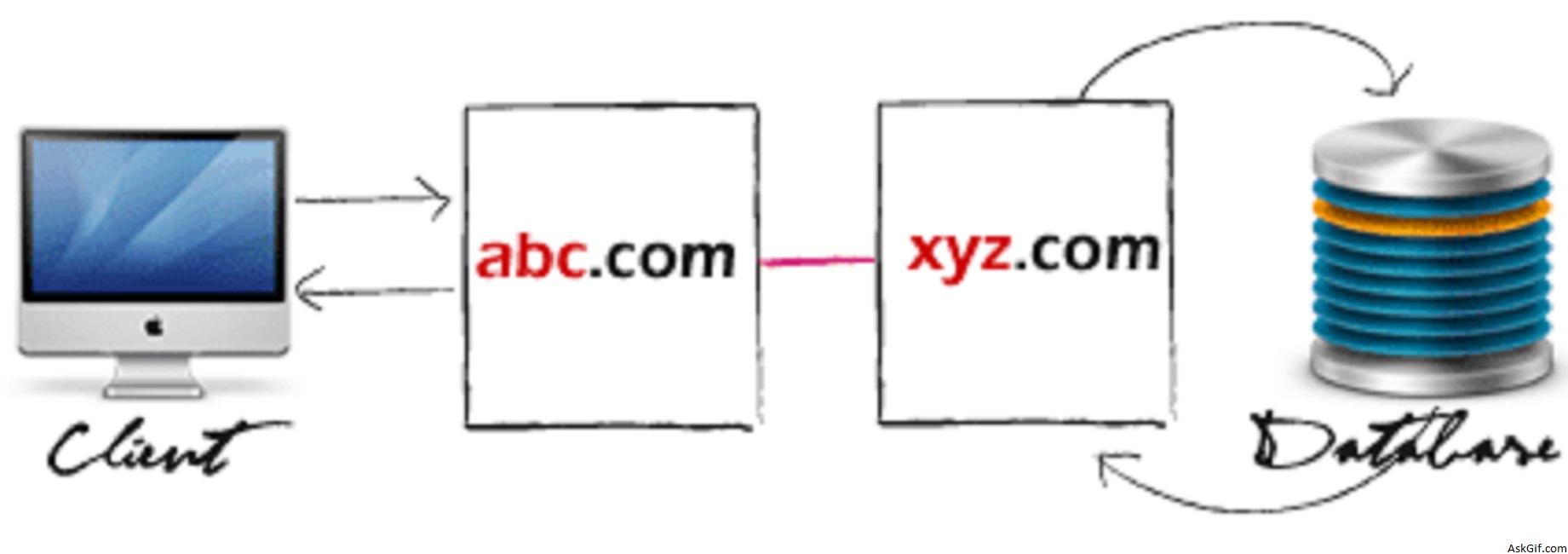
Some days back I had posted a tutorial about parsing JSON data with jQuery .getJSON(). In this post, I want to explain about 'How to use JSON callback and to display cross-domain data with jQuery'. It's simple and useful.
Just copy and paste this following code between <body> tag. You can display askgif data.
<script type="text/javascript" src="http://ajax.googleapis.com/ajax/
libs/jquery/1.3.0/jquery.min.js"></script>
<script type="text/javascript" src="http://demos.askgif.com/askgif.json.js"></script>
<link href="http://demos.askgif.com/askgif_json.css" rel="stylesheet" type="text/css">
<ol id="askgif" class="jsonbox"></ol>
askgif.json.js
Javascript code read the JSON file.
$(document).ready(function()
{
$.getJSON("http://demos.askgif.com/askgif_json.php?count=5&jsoncall=?",function(data)
{
$.each(data.posts, function(i,data)
{
var jsondata ="<li>"+data.message+"</li>";
$(jsondata).appendTo("ol#askgif");
});
}
);
return false;
});
askgif_json.php
Contains PHP code displaying results from Messages table in JSON format.
<?php
include('config.php');
if($_GET['count'])
{
$count=$_GET['count'];
$count=mysql_real_escape_string($count);
$sql=mysql_query("select msg from messages order by msg_id desc limit $count");
echo $_GET["jsoncall"].'({"posts": [';

while($row=mysql_fetch_array($sql))
{
$message=$row['message'];
echo '
{
"message":"'.$message.'",
},';
}

echo ']})';
}
?>
askgif_json.css
*{margin:0px; padding:0px;}
ol.jsonbox {
font-family:"lucida grande",tahoma,verdana,arial,sans-serif;
font-size:11px;
color:#FFFFFF;
list-style:none;
width:300px;
padding:10px 10px 25px 10px;
background:url(http://demos.askgif.com/jsonlogo.png)
bottom right no-repeat;
background-color:#333333;
text-align:left
}
ol.jsonbox li { padding-bottom:4px}
ol.jsonbox li a{color:#80c8e5; text-decoration:none}
ol.jsonbox li a:hover{color:#80c8e5; text-decoration:underline}





