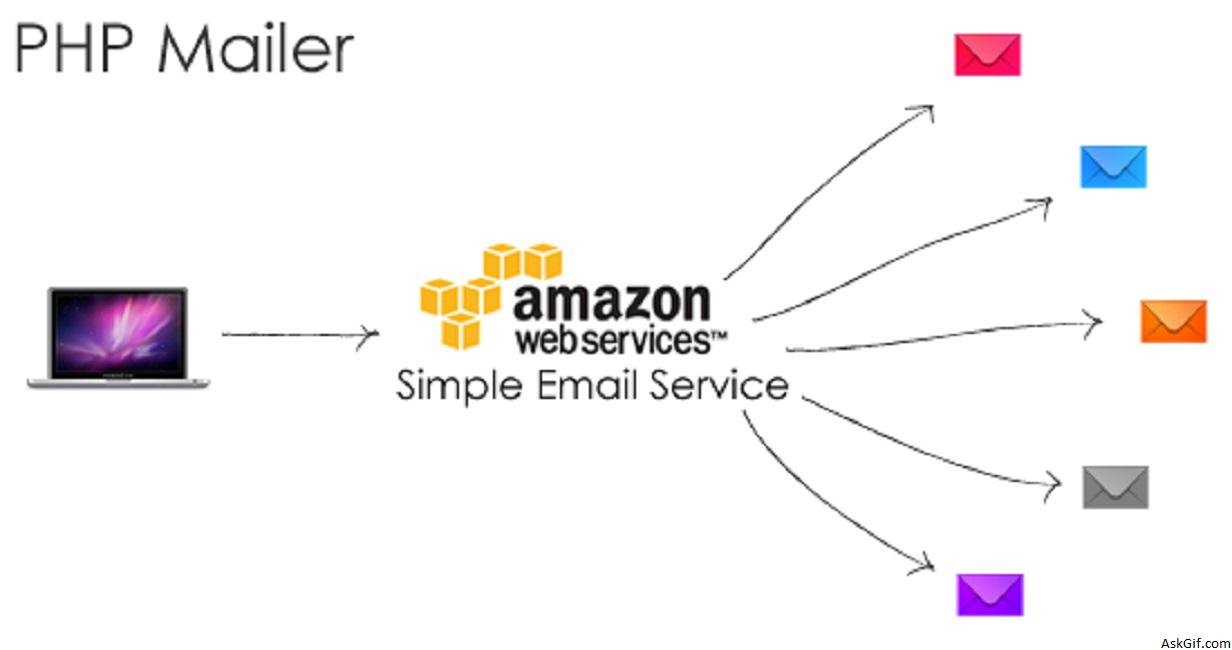
I have been working with askgif application hosted at Amazon Web Services. A few days back I had enabled email notification system using Amazon Simple Email Service SMTP implemented with PHP Mailer class, I hope the following tutorial will help you to enable email notification system for your web projects.
The tutorial contains five PHP files in that three are PHPmailer files other SMTP config files.
class.phpmailer.php // PHP Mailer library
class.smtp.php
class.pop3.php
Send_Mail.php // SMTP configer
index.php // Start Page
Send_Mail.php
Here you have to give Amazon SES SMTP credentials.
<?php
function Send_Mail($to,$subject,$body)
{
require 'class.phpmailer.php';
$from = "from@email.com";
$mail = new PHPMailer();
$mail->IsSMTP(true); // SMTP
$mail->SMTPAuth = true; // SMTP authentication
$mail->Mailer = "smtp";
$mail->Host= "tls://email-smtp.us-east.amazonaws.com"; // Amazon SES
$mail->Port = 465; // SMTP Port
$mail->Username = "Amazon SMTP Username"; // SMTP Username
$mail->Password = "Amazon SMTP Password"; // SMTP Password
$mail->SetFrom($from, 'From Name');
$mail->AddReplyTo($from,'askgif Labs');
$mail->Subject = $subject;
$mail->MsgHTML($body);
$address = $to;
$mail->AddAddress($address, $to);

if(!$mail->Send())
return false;
else
return true;

}
?>
index.php
Here called Send_Mail function and passing to, subject and body values
<?php
require 'Send_Mail.php';
$to = "to@gmail.com";
$subject = "Test Mail Subject";
$body = "Hi<br/>Test Mail<br/>Amazon SES"; // HTML tags
Send_Mail($to,$subject,$body);
?>
Gmail SMTP
You have to modify the following line in above Send_Mail.php code, Gmail allows per day only 250 mail limit.
$mail->Host= "tls://smtp.gmail.com"; // GMail SMTP
$mail->Port = 465; // SMTP Port
$mail->Username = "Username@gmail.com"; // SMTP Username
$mail->Password = "Gmail Password"; // SMTP Password





