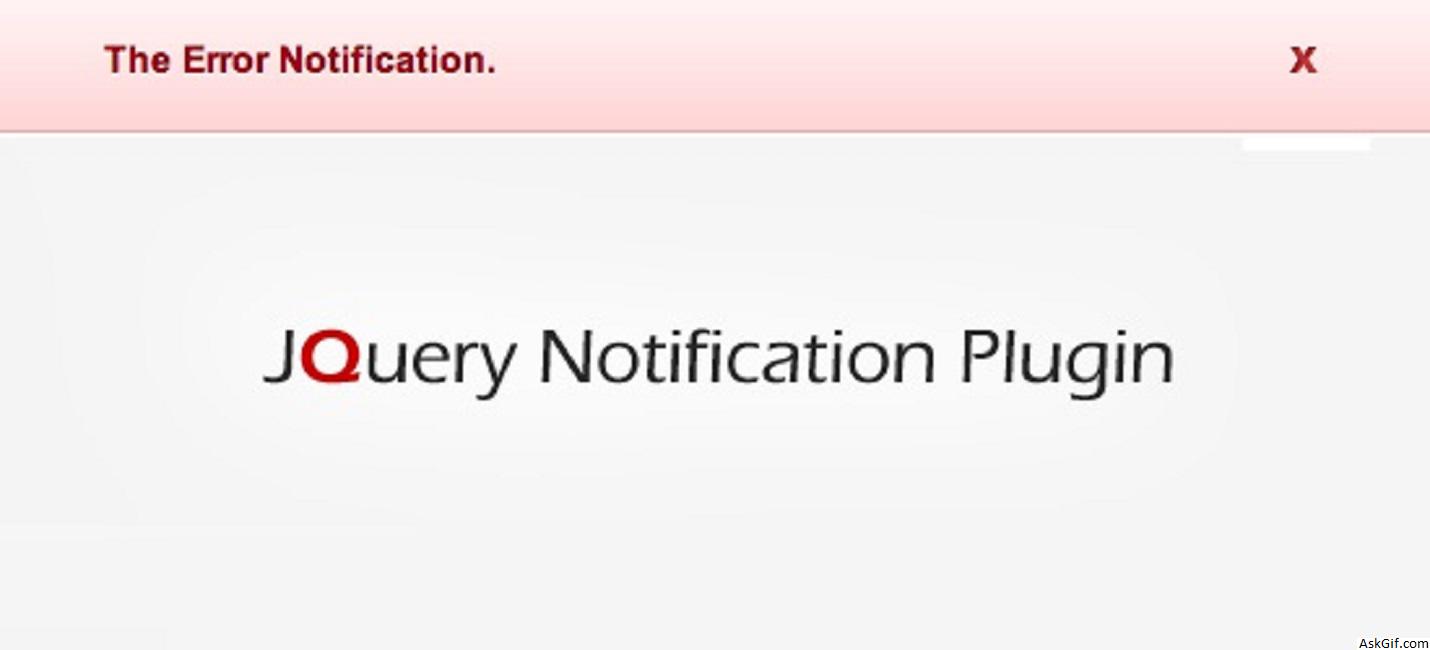
Introducing a new jQuery notification plugin, it helps better and enriches the message notification system for your web application. This plugin contains four types of notification systems such as Success, Error, Warning, and Information with a rich user interface. Very easy to implement just follow the steps.
The Basic Setup
1. Include the jQuery and notification libraries into your document
<script src="jquery.js"></script>
<script src="js/jquery_notification_v.1.js"> </script>
2. Include the notification CSS into your document
<link href="css/jquery_notification.css" type="text/css" rel="stylesheet"/>3. Call this showNotification() function in by passing parameters
showNotification(params);Example Usage
<html>
<head>
<link href="css/jquery_notification.css" type="text/css" rel="stylesheet"/>
<script src="jquery.js"></script>
<script type="text/javascript" src="js/jquery_notification_v.1.js"></script>
<script type="text/javascript">
$(document).ready(function(){
showNotification({
message: "This is sample notification message",
type: "success",
autoClose: true,
duration: 5
});
});
</script>
</head>
<body>
..................
..................
</body>
</html>





