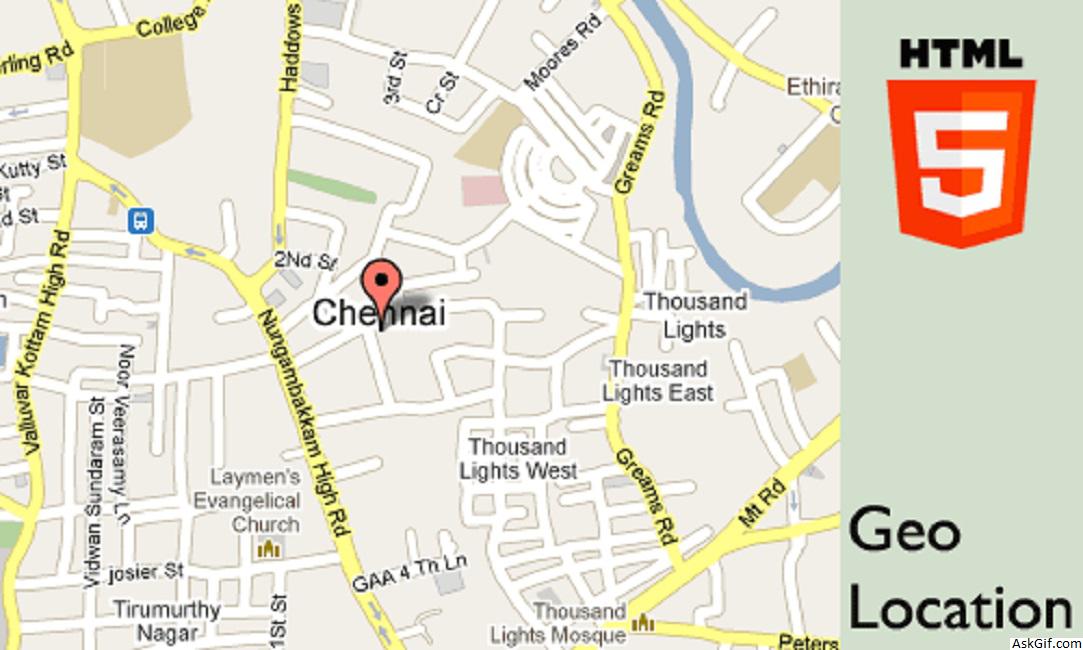
Last few days I have been working with HTML5 elements, it’s very interesting. This post explains to you how to get geolocation latitude and longitude values using Jquery. I found a geocode location script from html5demos.com and I have customized bit of code. It is useful you can build foursquare kind of location check out the web application.
JavaScript code
Contains Google Map + HTML5 code. Using jquery cookie plugin storing latitude an longitude values $("#check").click(function(){})- check is the ID name of Check-out button.
<script type="text/javascript" src="http://maps.google.com/maps/api/js?sensor=false"></script>
<script type="text/javascript" src="http://ajax.googleapis.com/ajax/libs/jquery/
1.4.2/jquery.min.js"></script>
<script type="text/javascript" src="jquery.cookie.js"></script>
<script type="text/javascript">
function success(position)
{
var s = document.querySelector('#status');
if (s.className == 'success')
{
return;
}
s.innerHTML = "Found you!";
s.className = 'Success';
var mapcanvas = document.createElement('div');
mapcanvas.id = 'mapcanvas';
mapcanvas.style.height = '100%';
mapcanvas.style.width = '100%';
document.querySelector('#map').appendChild(mapcanvas);
var latlng = new google.maps.LatLng(position.coords.latitude, position.coords.longitude);
var myOptions = {
zoom: 15,
center: latlng,
mapTypeControl: false,
navigationControlOptions: {style: google.maps.NavigationControlStyle.SMALL},
mapTypeId: google.maps.MapTypeId.ROADMAP
};
var map = new google.maps.Map(document.getElementById("mapcanvas"), myOptions);
var marker = new google.maps.Marker({
position: latlng,
map: map,
title:"You are here!"
});
$.cookie("MyLat", position.coords.latitude); // Storing latitude value
$.cookie("MyLon", position.coords.longitude); // Storing longitude value
}
function error(msg)
{
var s = document.querySelector('#status');
s.innerHTML = typeof msg == 'string' ? msg : "failed";
s.className = 'Fail';
}
if (navigator.geolocation)
{
navigator.geolocation.getCurrentPosition(success, error);
}
else
{
error('Not supported'); //HTML Support
}

//Jquery Code
$(document).ready(function()
{
$("#check").click(function()
{
var lat = $.cookie("MyLat");
var lon = $.cookie("MyLon");
alert('Latitued: '+lat);
alert('Longitude: '+lon);
var url="http://maps.googleapis.com/maps/api/geocode/json?latlng="+lat+","+lon+"&sensor=false";
alert('Google Map API: '+url);
//Get Json Request Here
});
});
</script>
//HTML Code
<input type='button' id='check' value='Check-out'/>
<div id="status">Loading.............</div>
<div id="map"></div>
Google Geocoding API allowing 2,500 geolocation requests per day so that I dropped Google map JSON parsing with jquery. (Google Maps API Premier allows 100,000 requests per day.)