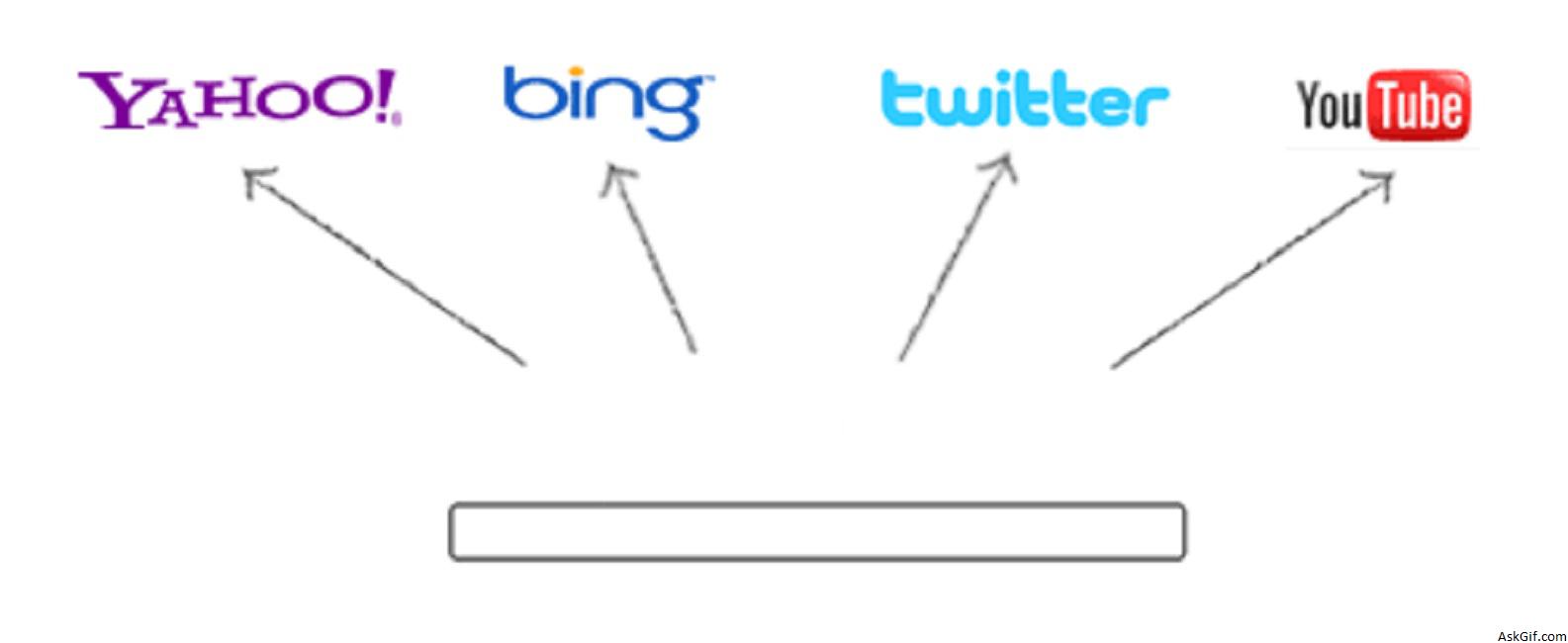
Last few days I have been working with APIs for instant search results, I had an idea to implement a super instant search with multiple APIs like twitter, youtube, yahoo, and bing. But jquery older versions don’t support multiple ajax call-backs, luckily I had found Jquery 1.5 has released a new method called $.when.
Javascript Code
Contains javascript and HTML code. $.when( yahoo(), bing()) is the method to call multiple ajax requests. Here $.when calling two functions called yahoo() and bing() callback objects $.done(yahoo_data, bing_data)
<script type="text/javascript" src="http://ajax.googleapis.com/
ajax/libs/jquery/1.5/jquery.min.js"></script>
<script type="text/javascript">
$(document).ready(function()
{
$(".search_input").keyup(function()
{
var search_input = $(this).val();
var keyword= encodeURIComponent(search_input);
// Yahoo Search API
var yahoo_url='http://boss.yahooapis.com/ysearch/web/v1/'+keyword+'?appid=APP_ID&format=json&callback=myData';
var bing_url='http://api.search.live.net/json.aspx?JsonType=callback&JsonCallback=?&Appid=APP_ID&query='+keyword+'&sources=web&web.count=10';
// Yahoo API
function yahoo()
{
return $.ajax({
type: "GET",
url: yahoo_url,
dataType:"jsonp",
success: function(yahoo_data)
{
}
});
}
// Bing API
function bing()
{
return $.ajax({
type: "GET",
url: bing_url,
dataType:"jsonp",
success: function(bing_data)
{
}
});
}
// Multiple Ajax Requests
$.when( yahoo(), bing()).done(function(yahoo_data, bing_data)
{
var yahoo=yahoo_data[0].ysearchresponse.resultset_web;
var bing=bing_data[0].SearchResponse.Web.Results;
// Yahoo results
if(yahoo)
{
$("#yahoo_result").html('');
$.each(yahoo, function(i,data)
{
var title=data.title;
var dis=data.abstract;
var url=data.url;
var dispurl=data.dispurl;
var final="<div class='webresult'><div class='title'><a href='"+url+"' target='_blank'>"+title+"</a></div><div class='desc'>"+dis+"</div><div class='url'>"+dispurl+"</div></div>";
$("#yahoo_result").append(final); // Result
});
}
// Bing results
if(bing)
{
$("#bing_result").html('');
$.each(bing, function(i,data)
{
var title=data.Title;
var dis=data.Description;
var url=data.Url;
var DisplayUrl=data.DisplayUrl;
var final="<div class='webresult'><div class='title'><a href='"+url+"' target='_blank'>"+title+"</a></div><div class='desc'>"+dis+"</div><div class='url'>"+DisplayUrl+"</div></div>";
$("#bing_result").append(final); // Result
});
}
});
});
});
</script>
// HTML code
<input type="text" class='search_input' />
<div>
<div id="yahoo_result"></div>
<div id="bing_result"></div>
</div>CSS
#yahoo_result, #bing_result
{
float:left;
width:450px;
}
.search_input
{
border:2px solid #333;
font-size:20px;
padding:5px;
width:350px;
font-family:'Georgia', Times New Roman, Times, serif;
-moz-border-radius:5px;-webkit-border-radius:5px;
}





