Implementing Base64 Encoding for Images.
💻 coding

Implementing Base64 Encoding for Images.

1 min read 75 words
1 min read
ShareWhatsAppPost on X
  • 1Base64 encoding converts binary data into a text format, making it suitable for embedding images in web pages.
  • 2Google's instant previews utilize Base64 strings to reduce server load time by eliminating separate image requests.
  • 3The PHP function base64_encode() is used to convert image files into Base64 strings for easy integration in HTML.

AI-generated summary · May not capture all nuances

Key Insight
AskGif

"Base64 encoding converts binary data into a text format, making it suitable for embedding images in web pages."

Implementing Base64 Encoding for Images.

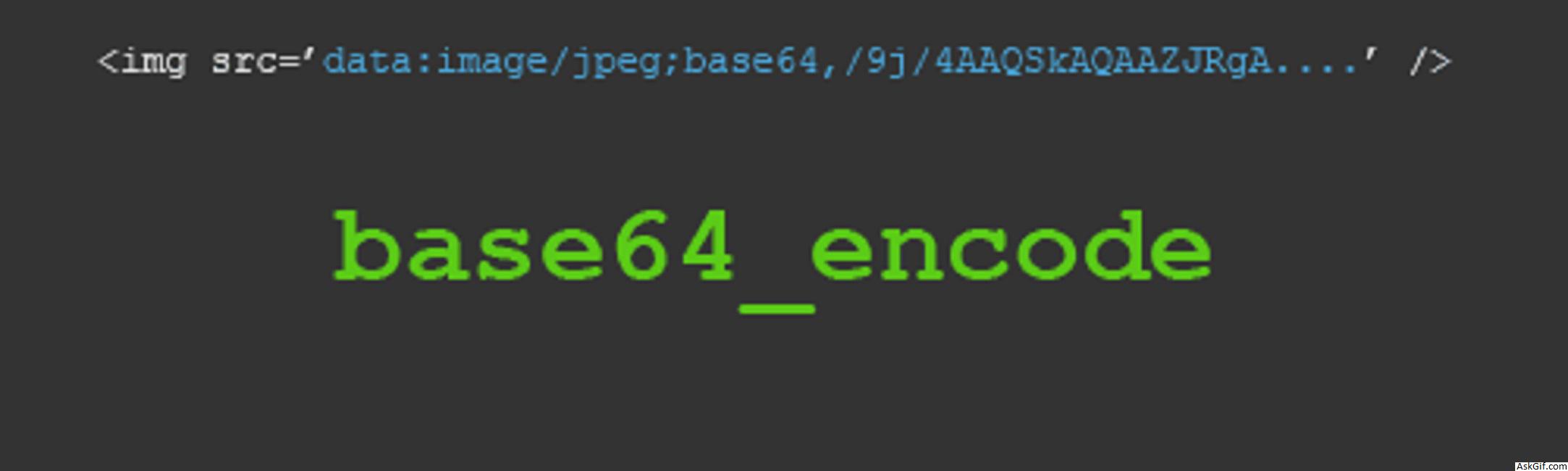
Base64 is an encoding format that represents binary data. Google new feature instant previews are in text format, here Google requesting images(screenshots) are in string format to reduce server load time. In this post, I will show you how to make images to strings with PHP.

PHP images to strings

PHP terminology there is a function called base64_encode().

<?php

$img_src = "image/sample.png";
$imgbinary = fread(fopen($img_src, "r"), filesize($img_src));
$img_str = base64_encode($imgbinary);
echo '<img src="data:image/jpg;base64,'.$img_str.'" />';

?>

Enjoyed this article?

Share it with someone who'd find it useful.

ShareWhatsAppPost on X

AskGif

Published on 21 August 2019 · 1 min read · 75 words

Part of AskGif Blog · coding

You might also like

Implementing Base64 Encoding for Images. | AskGif Blog



