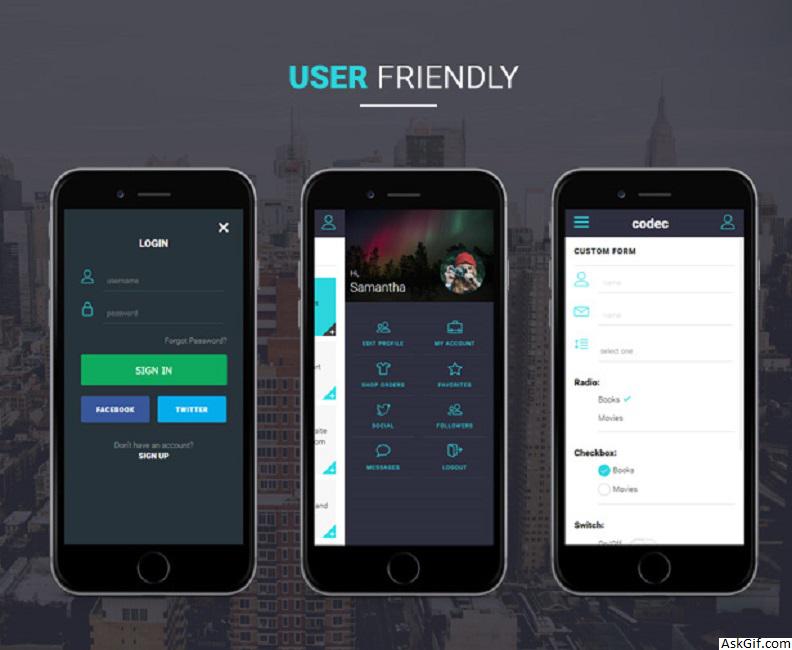
How to design a website for mobile devices (smartphones). Next web world with smartphones so starts working on mobile templates. In this post, I want to explain a very basic HTML design tip with adding a meta tag.
Normal site
Contains HTML code. CSS width style fixed with pixels. width : 900px
<!DOCTYPE html>
<html xmlns="http://www.w3.org/1999/xhtml">
<head>
<meta http-equiv="Content-Type" content="text/html; charset=iso-8859-1" />
<title>Normal Website</title>
<style>
#container
{
width:900px;
}
</style>
</head>
<body>
<div id="container"></div>
</body>
</html>
Mobile site
Contains HTML code. CSS width style with percentage. width : 100% . Take a look at META tag viewport.
<html>
<head>
<title>Mobile Website</title>
<meta content="width=device-width; initial-scale=1.0; maximum-scale=1.0; user-scalable=0;" name="viewport" />
<style>
#container
{
width:100%;
}
</style>
</head>
<body>
<div id="container"></div>
</body>
</html>
META tag viewport for iPhone
Width fixed 320
<meta content = "width = 320,initial-scale = 2.3, user-scalable = no" name = "viewport" />META tag viewport for all smartphone devices (recommended)
Auto width adjustment.
<meta content = "width=device-width; initial-scale=1.0; maximum-scale=1.0; user-scalable=0;" name = "viewport" />





