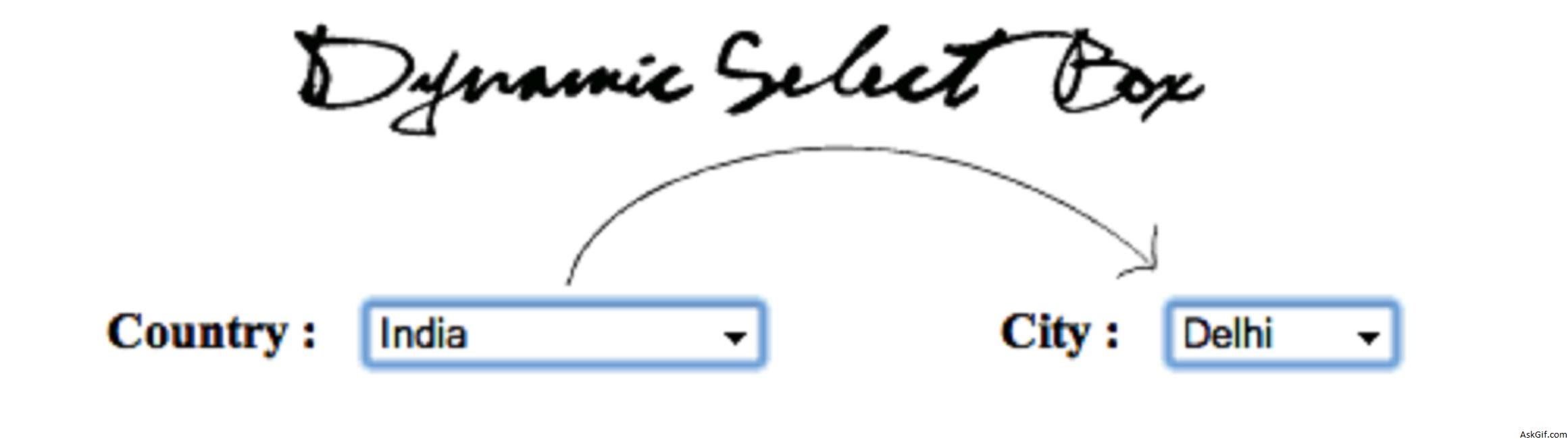
How to do dynamic dependent select box using Jquery, Ajax, PHP, and Mysql. Dependent select box when a selection is made in a "Parent" box it allows refreshing a "child" box list data. In this post, I had given a database relationship example between "category" and "subcategory". It's very simple jquery code hope you like this.
Database
Sample database tables. The data table contains list boxes complete data, data_parent table foreign key relationship with Data table contains parent and child relation.
CREATE TABLE 'data'
(
'id' int primary key auto_increment,
'data' varchar(50),
'weight' int(2),
);

CREATE TABLE `data_parent`
(
`pid` int(11) primary key auto_increment,
`did` int(11) unique,
`parent` int(11),
Foreign key(did) references data(id)
)
sections_demo.php
Contains javascipt and PHP code. $(".country").change(function(){}- country is the class name of select box. Using $(this).val() calling select box value. PHP code displaying results from data table where weight='1'
<script type="text/javascript" src="http://ajax.googleapis.com/
ajax/libs/jquery/1.4.2/jquery.min.js"></script>
<script type="text/javascript">
$(document).ready(function()
{
$(".country").change(function()
{
var id=$(this).val();
var dataString = 'id='+ id;

$.ajax
({
type: "POST",
url: "ajax_city.php",
data: dataString,
cache: false,
success: function(html)
{
$(".city").html(html);
}
});

});

});
</script>
//HTML Code
Country :
<select name="country" class="country">
<option selected="selected">--Select Country--</option>
<?php
include('db.php');
$sql=mysql_query("select id,data from data where weight='1'");
while($row=mysql_fetch_array($sql))
{
$id=$row['id'];
$data=$row['data'];
echo '<option value="'.$id.'">'.$data.'</option>';
} ?>
</select> <br/><br/>

City :
<select name="city" class="city">
<option selected="selected">--Select City--</option>
</select>
ajax_city.php
Contains PHP code. Displaying results from data and date_parent tables.
<?php
include('db.php');
if($_POST['id'])
{
$id=$_POST['id'];
$sql=mysql_query("select b.id,b.data from data_parent a,data b where b.id=a.did and parent='$id'");
while($row=mysql_fetch_array($sql))
{
$id=$row['id'];
$data=$row['data'];
echo '<option value="'.$id.'">'.$data.'</option>';
}
}
?>





