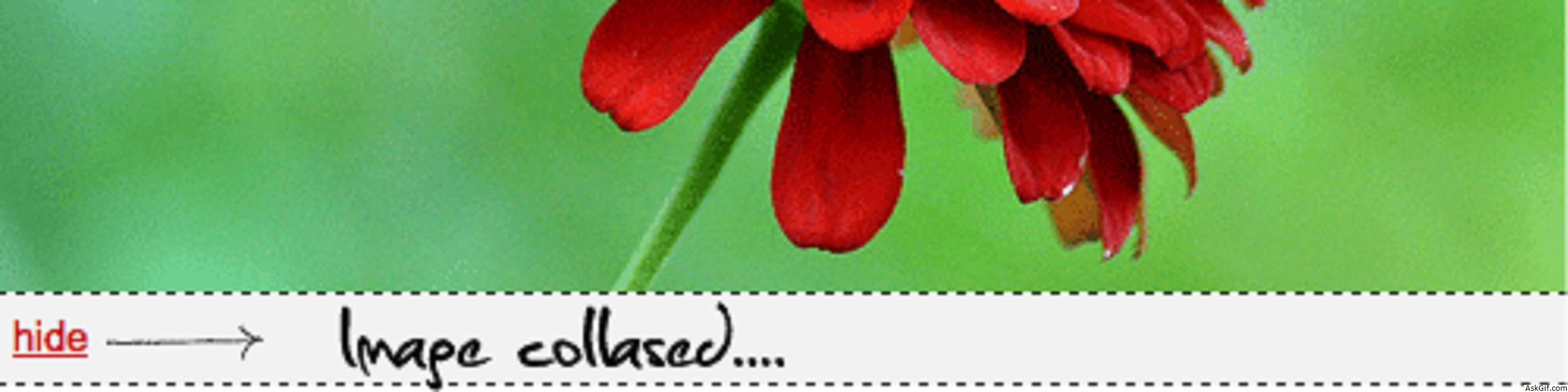
How to do a collapsed image with Jquery and CSS. Orkut.com implemented this concept while updating image scrap, the scrap shows image in collapsed style to reduce the webpage height. This is a very simple script using mouseover, mouseout and CSS Jquery functions.
Javascript Code
Contains javascipt and HTML code. $(".imagebox").mouseover(function(){}).mouseout(function{})- imagebox is the class name of div tag. $(".showlink").click(function(){}) - .showlink is the class name of show anchor tag. $(".hidelink").click(function(){}) - .hidelink is the class name of hide anchor tag. Using Jquery CSS function chaning the max-height:100px
<script type="text/javascript" src="http://ajax.googleapis.com/
ajax/libs/jquery/1.4.2/jquery.min.js"></script>
<script type="text/javascript">
$(document).ready(function()
{
// Image Area Mouseover and Mouseout
$(".imagebox").mouseover(function()
{
$(".showhide").show();
}).mouseout(function()
{
$(".showhide").hide();
});

//Show link
$(".showlink").click(function()
{
$(".imagebox").css('max-height','');
$(".showlink").hide();
$(".hidelink").show();
});

//Hide link
$(".hidelink").click(function()
{
$(".imagebox").css('max-height','100px');
$(".hidelink").hide();
$(".showlink").show();
});

});
</script>
//HTML code
<div class="imagebox" style="max-height:100px;">
<img src="image.jpg"/>
<div class="showhide" >
<a href="#" class="showlink">show</a>
<a href="#" class="hidelink">hide</a>
</div>
</div>
CSS Code
.imagebox
{
display:block;
position:relative;
overflow:hidden
}
.hidelink
{
display:none;
}
.showhide
{
padding:5px;
border-top:dashed 1px #333;
border-bottom:dashed 1px #333;
background:#F2f2f2 none repeat scroll 0 0;
bottom:0;
cursor:pointer;
display:block;
height:18px;
left:0;
line-height:18px;
padding-left:5px;
position:absolute;
width:100%;
}





