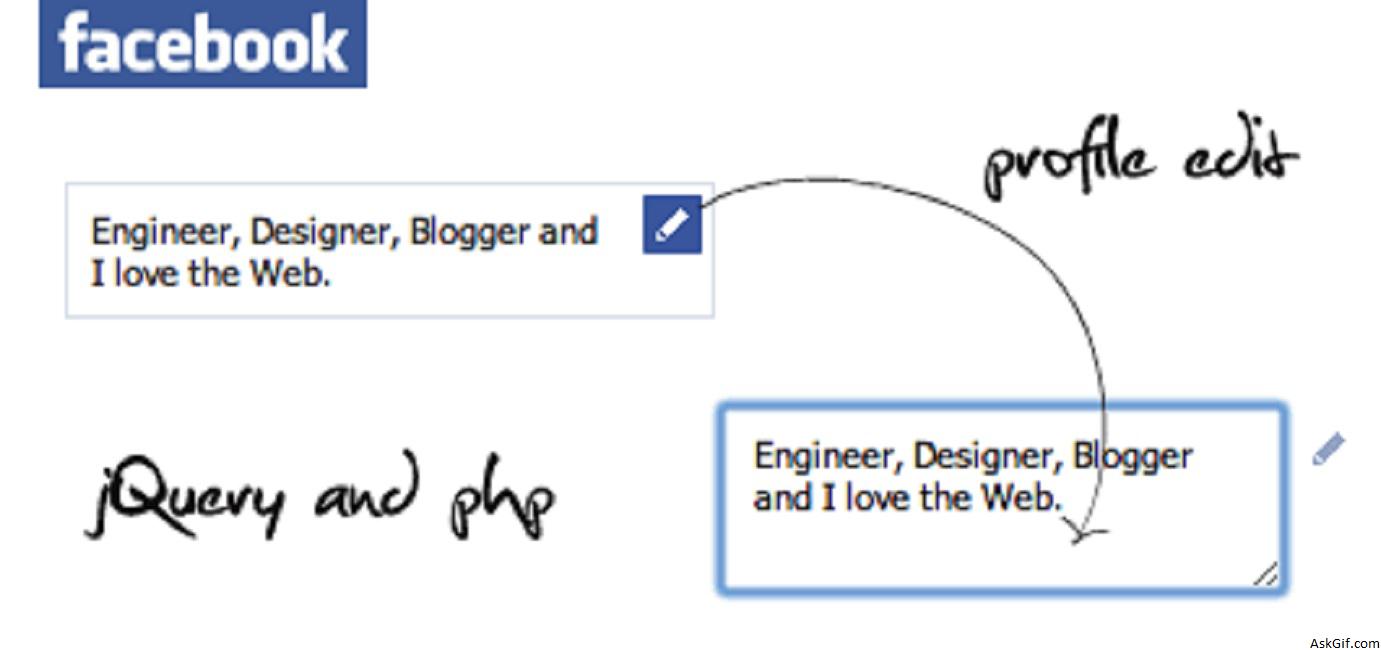
This post is very special Facebook-like profile edit with jquery, ajax and PHP. Why special before I was thinking this is a little difficult but I had developed in just 5 minutes using jquery and PHP. Use this and enrich your web applications.
Database Design
user table contains user_id, username, password and profile.
CREATE TABLE `users` (
`user_id` INT NOT NULL primary key AUTO_INCREMENT ,
`username` VARCHAR(45) NULL unique,
`password` VARCHAR(45) NULL ,
`profile` TEXT,
);
updateprofile.php
Contains javascript, HTML and PHP code. Take a look at bold blue color class names.
<script type="text/javascript" src="http://ajax.googleapis.com/
ajax/libs/jquery/1.4.2/jquery.min.js"></script>
<script type="text/javascript">
$(document).ready(function()
{

//Edit link action
$('.edit_link').click(function()
{
$('.text_wrapper').hide();
var data=$('.text_wrapper').html();
$('.edit').show();
$('.editbox').html(data);
$('.editbox').focus();
});

//Mouseup textarea false
$(".editbox").mouseup(function()
{
return false
});

//Textarea content editing
$(".editbox").change(function()
{
$('.edit').hide();
var boxval = $(".editbox").val();
var dataString = 'data='+ boxval;
$.ajax({
type: "POST",
url: "update_profile_ajax.php",
data: dataString,
cache: false,
success: function(html)
{
$('.text_wrapper').html(boxval);
$('.text_wrapper').show();
}
});
});

//Textarea without editing.
$(document).mouseup(function()
{
$('.edit').hide();
$('.text_wrapper').show();
});

});
</script>

//body part
<div class="mainbox">
<a href="#" class="edit_link" title="Edit">Edit</a>
// Displaying profile data from the users table
<?php
include("db.php");
$user_id=$session_id;
$sql=mysql_query("select profile from users where user_id='$user_id'");
$row=mysql_fetch_array($sql);
$profile=$row['profile'];
?>
<div class="text_wrapper"><?php echo $profile; ?></div>
<div class="edit" style="display:none">
<textarea class="editbox" cols="23" rows="3" ></textarea>
</div>
</div>
update_profile_ajax.php
Contains PHP code updating profile field at users table.
<?php
include("db.php");
if($_POST['data'])
{
$data=$_POST['data'];
$data = mysql_escape_String($data);
$user_id=$session_id;
$sql = "update users set profile='$data' where user_id='$user_id'";
mysql_query( $sql);
}
?>
db.php
Database configuration file.
<?php
$mysql_hostname = "localhost";
$mysql_user = "username";
$mysql_password = "password";
$mysql_database = "database";
$bd = mysql_connect($mysql_hostname, $mysql_user, $mysql_password)
or die("Opps some thing went wrong");
mysql_select_db($mysql_database, $bd) or die("Opps some thing went wrong");
?>
CSS Code
body
{
font-family:Arial, Helvetica, sans-serif;
font-size:12px;
}
.mainbox
{
width:250px;
margin:50px;
}
.text_wrapper
{
border:solid 1px #0099CC;
padding:5px;
width:187px;
}
.edit_link
{
float:right
}
.editbox
{
overflow: hidden;
height: 61px;
border:solid 1px #0099CC;
width:190px;
font-size:12px;
font-family:Arial, Helvetica, sans-serif;
padding:5px
}





