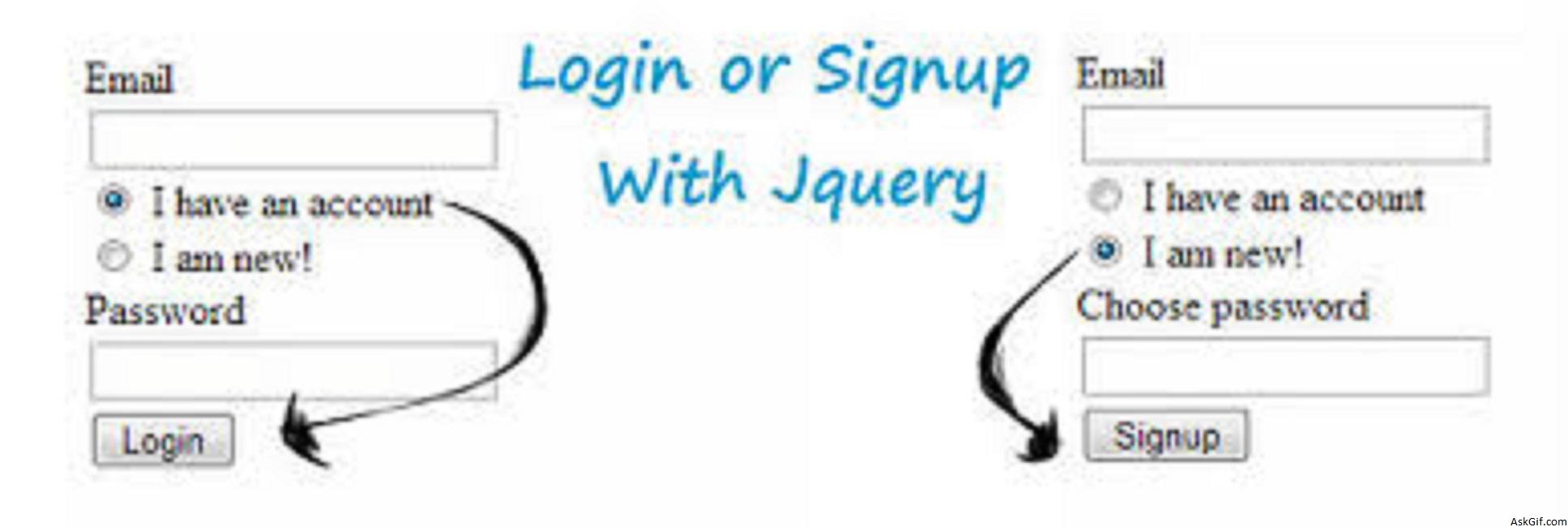
Some users don't like to fill the registration form. So that I had implemented login and sign up fields in the same block just controlling with jquery and PHP. It's is a very simple javascript and basic PHP code.
Javascript code
$('#signup').click(function(){} - signup is the ID of the radio. Using $("#login_block").hide() hide the login block and $("#signup_block").show() shows signup block.
<script type="text/javascript" src="http://ajax.googleapis.com/
ajax/libs/jquery/1.4.2/jquery.min.js"></script>
<script type="text/javascript">
$(document).ready(function()
{

$('#signup').click(function()
{
$('#password').val('');
$('#login_block').hide();
$('#signup_block').show();
});

$('#login').click(function()
{
$('#newpassword').val('');
$('#signup_block').hide();
$('#login_block').show();
});

});
</script>
HTML Code
Contains simple html code. signup_block style display none.
<form method="post" action="loginup.php">

<div>
<label>Email</label> <br/>
<input type="text" name="email"/><br />
<input type="radio" name="choose" id="login" checked="checked"/> I have an account <br />
<input type="radio" name="choose" id="signup"/> I am new!<br />
</div>

<div id="login_block">
<label>Password</label><br />
<input type="password" name="password" id="password"/><br/>
<input type="submit" value=" Login "/>
</div>

<div id="signup_block" style="display:none">
<label>Choose password</label><br/>
<input type="password" name="newpassword" id="newpassword" /><br/>
<input type="submit" value=" Signup "/>
</div>

</form>
loginup.php
<?php
if($_POST)
{
$email = $_POST['email'];
$password = $_POST['password'];
$newpassword = $_POST['newpassword'];

if($_POST['password'] && $_POST['email'])
{
$sql=mysql_query("SQl select statement");
echo "Login success";
}

else if($_POST['newpassword'] && $_POST['email'])
{
$sql=mysql_query("SQl Insert values statement");
echo "Registration Success";
}

}
?>
As you have seen it's very simple to implement Login or Signup Page with Jquery and PHP.