The previous post (Nginx Reverse Proxy to ASP.NET Core – In Separate Docker Containers) showed how to use Nginx as a reverse proxy to an ASP.NET Core application running in a separate Docker container. This time, I’ll show how to use a similar configuration to spin up multiple application containers and use Nginx as a load balancer to spread traffic over them.
Desired architecture
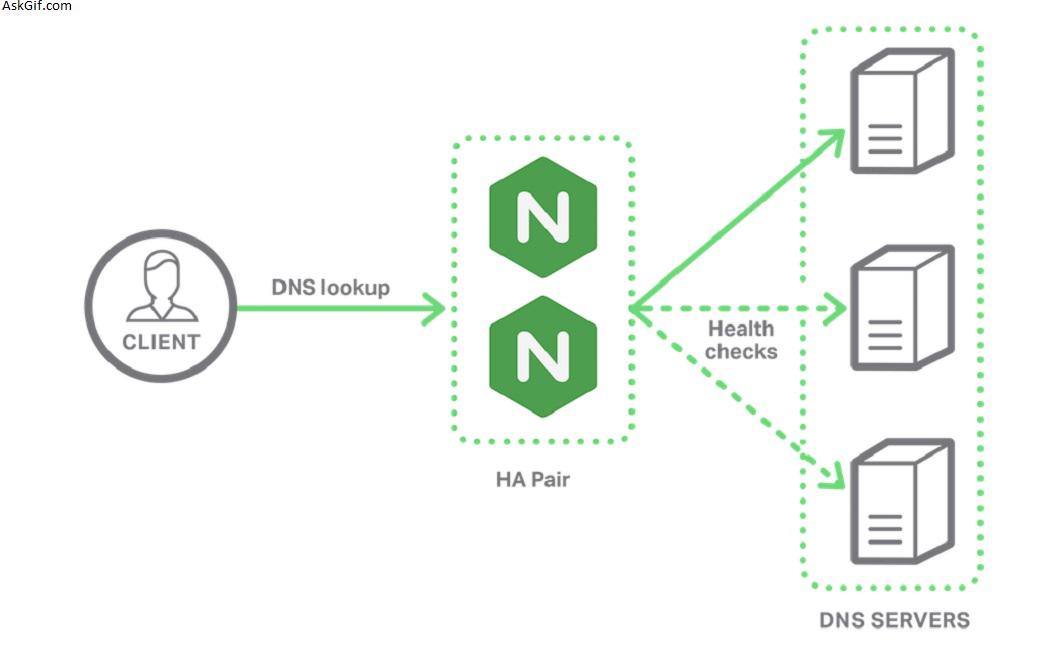
The architecture we’re looking for is to have four application servers running in separate Docker containers. In front of those application servers, there will be a single Nginx server. That Nginx server will reverse proxy to the application servers and will load balance using a round-robin methodology.
Example Application
This example uses the same application and directory structure as the previous example.
Docker Compose Configuration
The configuration file for Docker compose remains exactly the same as in the previous example.
version: '2'

services:
 app:
 build:
 context: ./app
 dockerfile: Dockerfile
 expose:
 - "5000"

 proxy:
 build:
 context: ./nginx
 dockerfile: Dockerfile
 ports:
 - "80:80"
 links:
 - app
So, while we will eventually end up with four running instances of the app service, it only needs to be defined within the docker-compose.yml file once.
Nginx Configuration
The first thing we’ll need to update is the Nginx configuration. Instead of a single upstream server, we now need to define four of them.
When updated, the nginx.conf file should look like the following:
worker_processes 4;

events { worker_connections 1024; }

http {
 sendfile on;

 upstream app_servers {
 server example_app_1:5000;
 server example_app_2:5000;
 server example_app_3:5000;
 server example_app_4:5000;
 }

 server {
 listen 80;

 location / {
 proxy_pass http://app_servers;
 proxy_redirect off;
 proxy_set_header Host $host;
 proxy_set_header X-Real-IP $remote_addr;
 proxy_set_header X-Forwarded-For $proxy_add_x_forwarded_for;
 proxy_set_header X-Forwarded-Host $server_name;
 }
 }
}
With this configuration, the reverse proxy defined with proxy-pass will use each of the defined upstream application servers. The requests will be passed between them in a round-robin fashion.
Starting the services
The first thing we need to do is build the collection of services:
docker-compose buildBefore bringing up the services, we need to tell Docker to bring multiple instances of the app service online. The Nginx configuration used four instances of the application, so we need to set the number of containers for that service to four as well.
docker-compose scale app=4You should see each service starting
Starting example_app_1 ... done
Starting example_app_2 ... done
Starting example_app_3 ... done
Starting example_app_4 ... done
Now you can bring up all of the services
docker-compose upTesting the load balancer
Let’s navigate to the site at http://localhost:80. We can look at the output from the services to see that the requests are being split across multiple application service instances.
proxy_1 | 172.20.0.1 - - [24/Feb/2017:18:59:39 +0000] "GET / HTTP/1.1" 200 2490 "-" "Mozilla/5.0 (Windows NT 10.0; WOW64) AppleWebKit/537.36 (KHTML, like Gecko) Chrome/56.0.2924.87 Safari/537.36"
app_3 | info: Microsoft.AspNetCore.Hosting.Internal.WebHost[1]
app_3 | Request starting HTTP/1.0 GET http://localhost/js/site.min.js?v=47DEQpj8HBSa-_TImW-5JCeuQeRkm5NMpJWZG3hSuFU
app_2 | info: Microsoft.AspNetCore.Hosting.Internal.WebHost[1]
app_2 | Request starting HTTP/1.0 GET http://localhost/css/site.min.css?v=78TaBTSGdek5nF1RDwBLOnz-PHnokB0X5pwQZ6rE9ZA
app_3 | info: Microsoft.AspNetCore.StaticFiles.StaticFileMiddleware[6]
app_3 | The file /js/site.min.js was not modified
app_3 | info: Microsoft.AspNetCore.Hosting.Internal.WebHost[2]
app_3 | Request finished in 97.6534ms 304 application/javascript
app_2 | info: Microsoft.AspNetCore.StaticFiles.StaticFileMiddleware[2]
app_2 | Sending file. Request path: '/css/site.min.css'. Physical path: '/app/wwwroot/css/site.min.css'
proxy_1 | 172.20.0.1 - - [24/Feb/2017:18:59:39 +0000] "GET /js/site.min.js?v=47DEQpj8HBSa-_TImW-5JCeuQeRkm5NMpJWZG3hSuFU HTTP/1.1" 304 0 "http://localhost/" "Mozilla/5.0 (Windows NT 10.0; WOW64) AppleWebKit/537.36 (KHTML, like Gecko) Chrome/56.0.2924.87 Safari/537.36"
proxy_1 | 172.20.0.1 - - [24/Feb/2017:18:59:39 +0000] "GET /css/site.min.css?v=78TaBTSGdek5nF1RDwBLOnz-PHnokB0X5pwQZ6rE9ZA HTTP/1.1" 200 251 "http://localhost/" "Mozilla/5.0 (Windows NT 10.0; WOW64) AppleWebKit/537.36 (KHTML, like Gecko) Chrome/56.0.2924.87 Safari/537.36"
In that output, you can see that the app_1, app_2, and app_3 instances were all to responding to requests.
Further scaling
For the purpose of this blog series, I think I intend to stop at this scaling capability level.
If you find you need to scale beyond what you can easily accomplish with Nginx, there are a couple of good options to look into.
Docker Swarm provides a facade projecting multiple clustered Docker engines as a single engine. The tooling and infrastructure will feel similar to the other Docker tooling you will have used.
A more extensive option would be to use Kubernetes. That system is designed for automated deployment and scaling. It does provide a good toolset for massive scaling. But, it involves quite a bit of complexity in creating and managing your clustered services.
Either option could serve you well. Before picking up either option, I’d first make sure the scaling needs of the application really warrant the added complexity.





