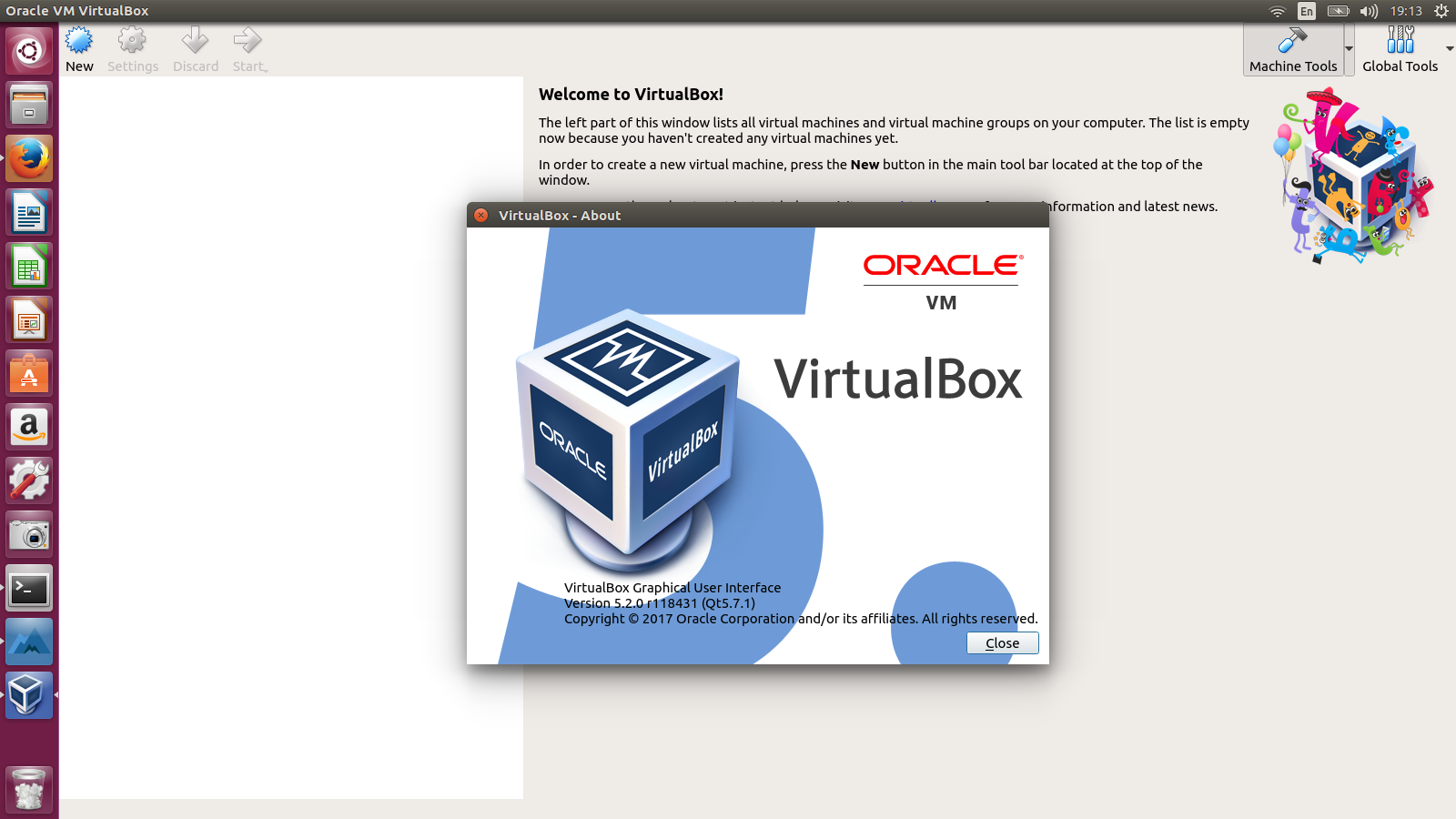
Question:
I had installed VirtualBox but it started giving me problems. So I uninstalled it using:-
sudo apt-get remove virtualbox-\*
sudo apt-get purge virtualbox-\*
But when I reinstalled VirtualBox it again resumed to previous settings and started giving same problems. How can i completely remove VirtualBox from my laptop and then reinstall it such that it wont give same problem again?
Solution:
Your problem: Virtual Box keeps its folder and settings in your home folder. Delete everything inside the folder.
Uninstall VirtualBox first.
sudo apt-get remove --purge virtualbox Run these commands to delete all virtual machines and settings and Virtual Hard Drives:
sudo rm ~/"VirtualBox VMs" -Rf

sudo rm ~/.config/VirtualBox/ -Rf
If you want to install it again. Run this command:
sudo apt-get install virtualbox





